THE ASK
“Put a highlight under the phone number, same colour as the green in my logo.”
v2 of the front. One credit. The back doesn’t move.
THE FLOW
01
Type your website URL. Your logo, colours, phone, and photos fill in and become the defaults for every card.
02
Pick a starting point from a library of hundreds of templates, a hail alert, an estimate, a handwritten note, and it reflows around your kit.
03
Write what the card should say and which photos to use. The rest is applied from your brand kit.
04
Trim lines, safe areas, and mailing zones drawn on the actual proof, ensuring each item is ready to mail.
BRAND IMPORT

THE EDIT LOOP
Each edit is a sentence typed into the chat, applied as a new version, with the old version just one click away.
THE ASK
v2 of the front. One credit. The back doesn’t move.
THE ASK
The back re-renders while the front stays exactly as approved.
Describe the change in a sentence. Copy, offer, photos, colour, front or back, as many passes as it takes.
Every version stays. Any earlier revision is one click from being the live one again.
Every version is checked against the print spec before it can ship: mailing zones, safe margins, QR size.
THE PROOF
The approval screen draws the trim line, the safe area, and the mailing zones on the actual proof, and asks you to confirm four things. Then the design is locked, and every recipient’s card gets its own tracking QR when it mails.
DESIGN READY
YOUR OWN ARTWORK
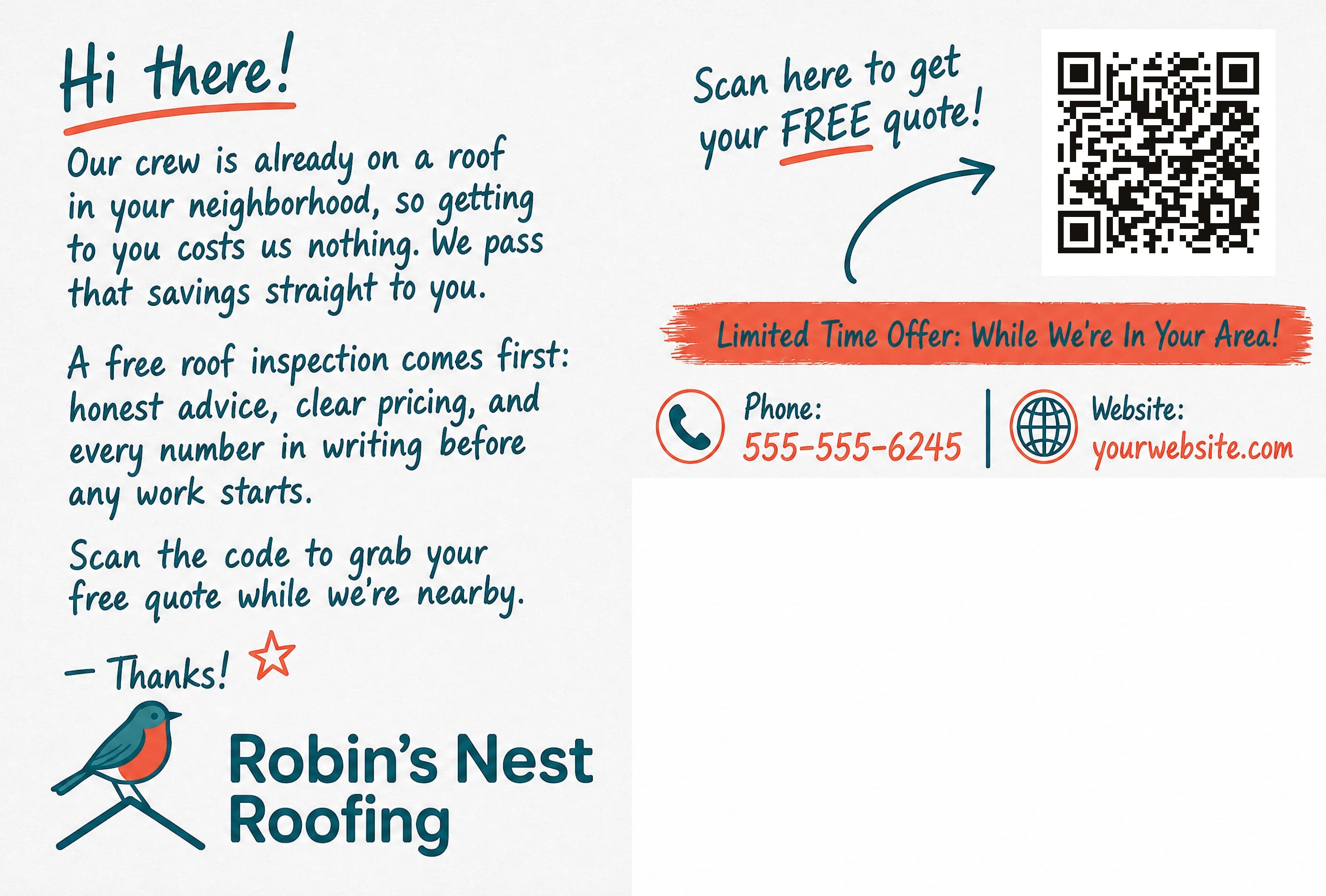
Bring the front and back you already run, for a Classic card or a Home Render card. Place the QR box, and the same print preflight checks the artwork before it can mail.
QUESTIONS
Connect your CRM, pick a neighborhood, and put a 1-of-1 card in every mailbox that matters. First campaign out the door in an afternoon.
No subscriptions · No minimum order size
