Your job history is a mailing list you already own.
Every job you’ve ever finished sits on a street that watched your crew work. Pull those addresses in from your CRM, pick how many neighbors to mail around each one, and approve once.
Upload past job addresses and mail their neighbors.
- Roof replacement · Closed won1809 Savannah Dr, Austin, TX 78745
- Storm repair · Closed won1708 Cross Point Rd, Austin, TX 78745
- Full re-roof · Closed won1900 Savannah Dr, Austin, TX 78745
- Gutters + roof · Closed won1612 Willow Ln, Austin, TX 78745
- Roof replacement · Closed won6100 Belle Ct, Austin, TX 78745
- + 42 more, all selected
No CRM? Upload a CSV with one row per past job and an address column.
Total estimated recipients: ~2,350 (duplicates near overlapping jobs are removed)
THE FIRST CAMPAIGN
Three steps, and you’ve mailed every street you ever worked on.
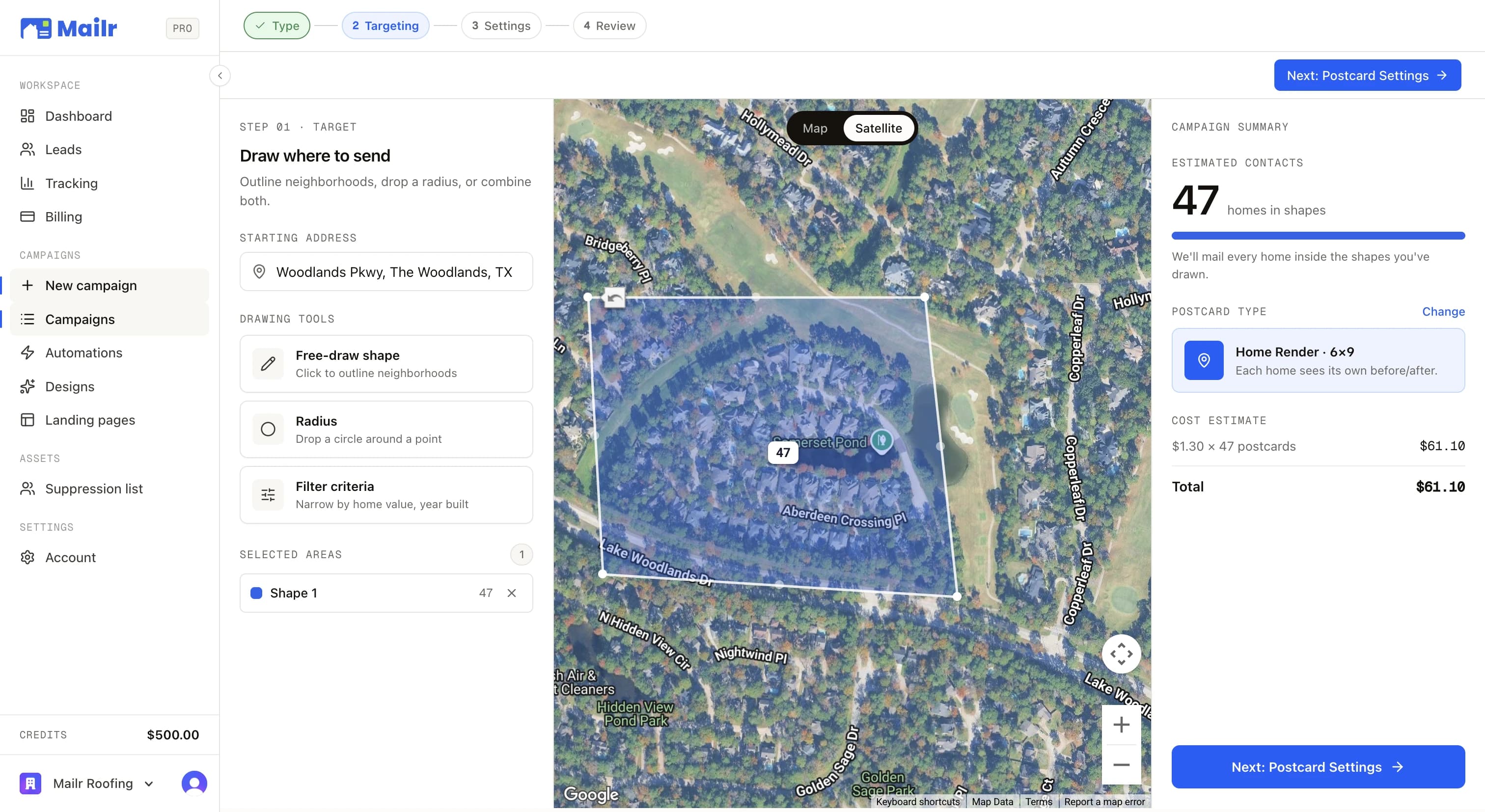
Run a neighborhood reactivation campaign by importing jobs from your CRM and automatically sending to the surrounding homes. Most contractors run it as their first campaign.
01
Connect your CRM
Connect in just a few clicks. Twelve CRMs natively, or a CSV of past job addresses if you'd rather.
02
Pull in the jobs you've finished
Past jobs, closed-won deals, completed projects, sold quotes, in whatever format your CRM uses.
03
Approve once
Set houses per job, approve, and the nearest homes around every job go to print, with each job address itself excluded.
WHERE THE JOBS COME FROM
Pull jobs in from your CRM, or a spreadsheet.







THE SEEDS STAY OUT
You never mail the customer you’re farming around.
The job addresses are seeds, not recipients. Mailr finds the homes around each one and excludes the seed itself, and submitting the campaign writes every job address into your suppression list so later campaigns skip them too.
- Job addresses excluded
- Added to your suppression list
WHY IT CONVERTS
Those streets already saw your trucks. The card reminds them whose work it was.
The neighbors watched the crew, saw the roof go on or the lights come on. A Home Render card puts their own house next to that memory.
Houses per job by default. Turn it down to a handful or up to five hundred.
HOUSES PER JOBPast jobs in one campaign. Your whole history, one approval.
JOBS PER CAMPAIGNPast customers mailed. Every job address is excluded and added to your suppression list.
BY DESIGNWHAT RUNS NEXT
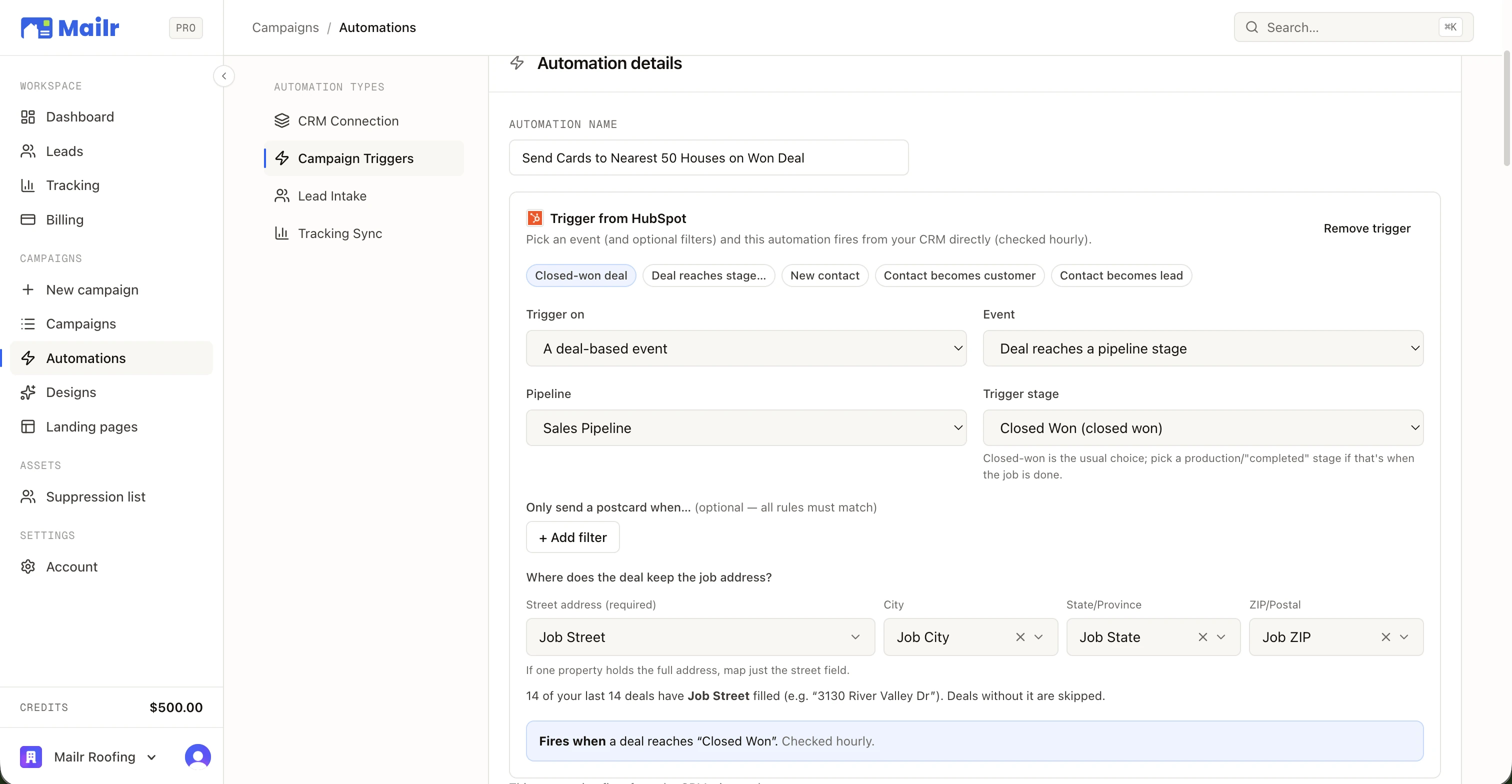
Run the sweep once. Then let the trigger keep it going.

QUESTIONS
The questions everybody asks.
- Where do the past jobs come from?
- Your CRM. Connect it and the import card lists your finished work the way your CRM tracks it: closed-won deals in HubSpot, past jobs in Housecall Pro, sold quotes in PaintScout. No CRM? Upload a CSV with one row per job and an address column that includes city, state, and ZIP.
- Will it mail my past customers?
- No. The job addresses are the seeds; Mailr mails the homes around them and excludes the seeds themselves. Submitting the campaign also writes those addresses into your suppression list, so later campaigns skip them too.
- How many neighbors per job?
- Fifty by default, anywhere from one to five hundred. The builder shows the running total as you change it, and homes that sit near more than one job are only counted once.
- How is this different from an automation?
- Reactivation is the one-time sweep across everything you've already finished. An automation is the same radius mailing set to fire every time a new job closes in your CRM. Most contractors run the sweep first, then leave the automation on.
- What's on the card?
- Whatever you pick in the next step: a Home Render card that shows each neighbor their own house with your work on it, or a Classic card with one fixed design. Same templates, same landing page, same tracking.
- What does it cost?
- The same per-card price as any campaign, at your volume rate, with printing, postage, delivery, the landing page, and tracking included. The review step shows the exact total before anything is charged.

Their Home.
Your Work.
Connect your CRM, pick a neighborhood, and put a 1-of-1 card in every mailbox that matters. First campaign out the door in an afternoon.
No subscriptions · No minimum order size