01
A rendering of their own home
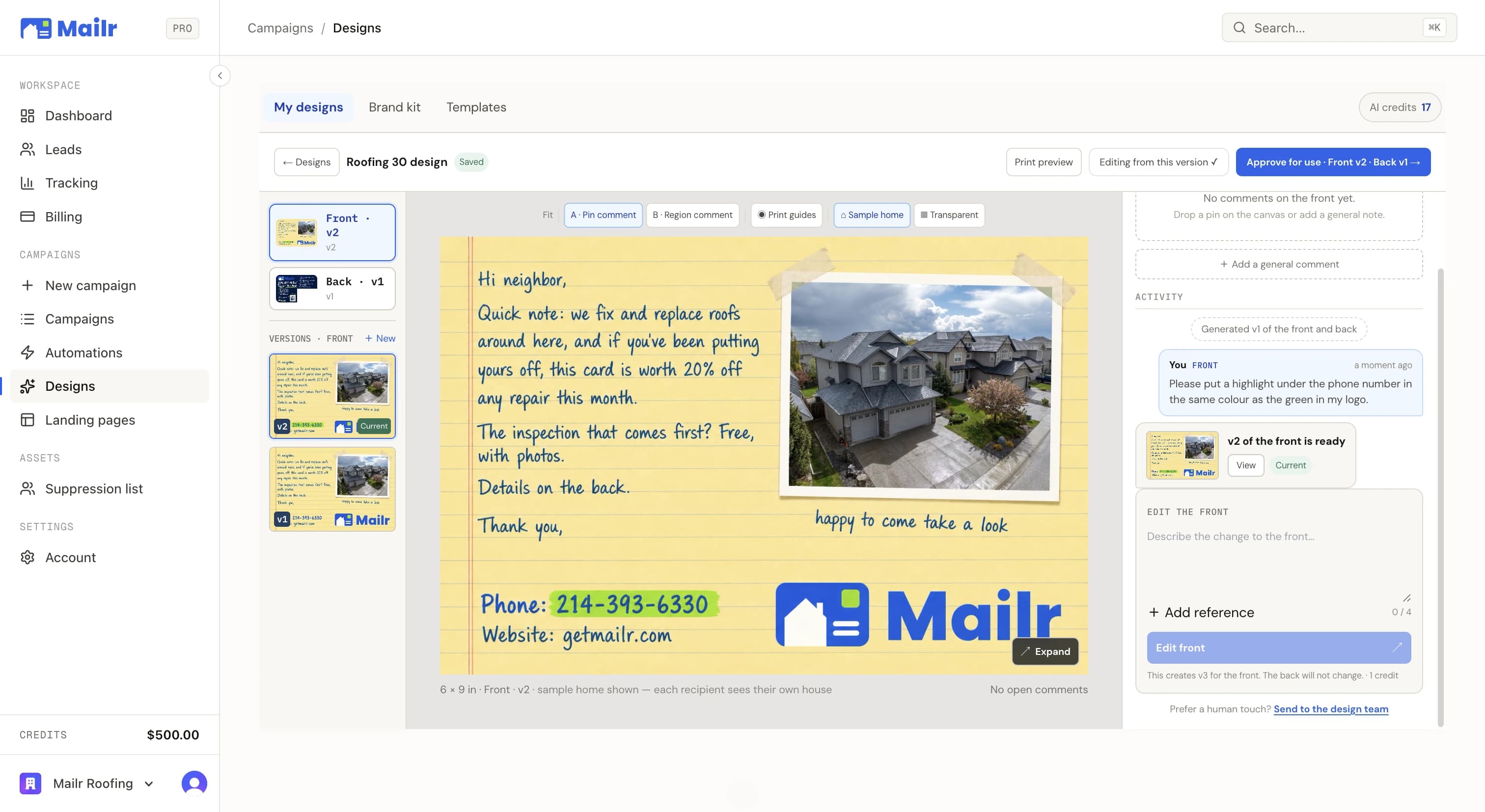
The same render that’s on the card, full width, labelled as a digital rendering.
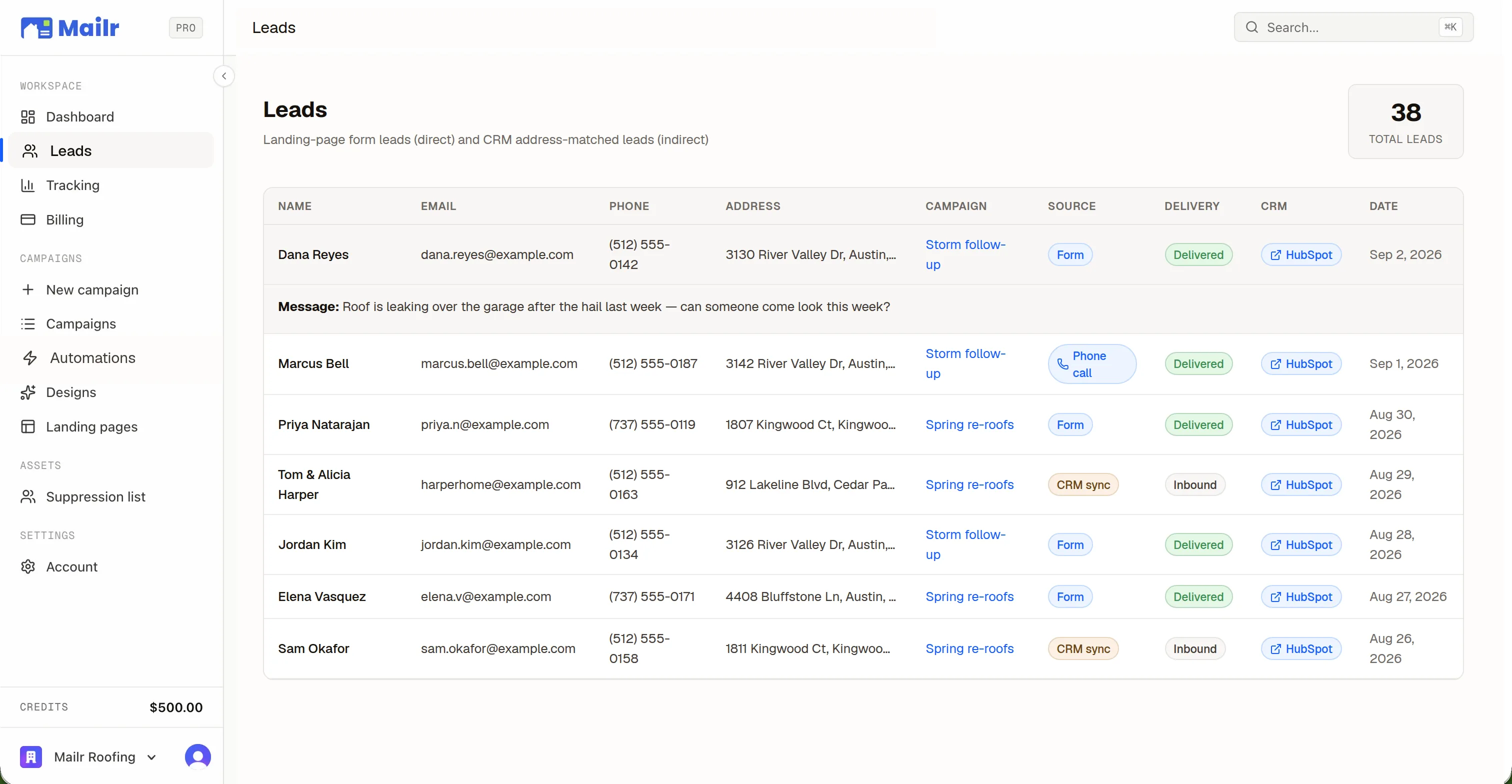
Every QR opens a page built for one address: a rendering of their own home with your work on it, your brand, your reviews, and a short form. Nothing to build, nothing to host.
MAILBOX TO LEAD
01
Their own home on the front, your offer on the back, and a QR printed for that address alone.
02
The code resolves to one page for one home. The scan is logged against that home.
03
A rendering of their house, your brand and reviews around it, and a short form built to be finished on a phone in a driveway.
WHAT A SCAN OPENS
01
The same render that’s on the card, full width, labelled as a digital rendering.
02
The page reads as yours: logo, colours, phone, and real Google reviews, imported in one click, with the one you choose as the headline.
03
Optimized to maximize conversion. The lead is sent to your CRM on submission, tracked back to Mailr.
THE STUDIO
Drag and drop, click to edit, change any line. The same brand kit that built your card builds your page.
Landing page templates, seeded from your brand kit, for roofing and permanent lighting.
TEMPLATESFinds your Google Business Profile, pulls its reviews, and picks the strongest for your pages.
REVIEW IMPORTName, email, phone. The whole form, optimized to maximize conversion.
THE LEAD FORMPOINT IT ANYWHERE
01
Use our pagePick a template, and it publishes with your brand kit, your reviews, and the rendering for each home already in place.
02
Use your own pagePoint the QR at any URL on your site. Scanners arrive with a code appended, so every scan is still tracked per home.
03
Put our render on your pageTwo lines of code drop the rendering into your own page, so you can have a rendering on any website builder. Scanners see their own home; everyone else sees a sample.
AFTER THE FORM FILL
QUESTIONS
Connect your CRM, pick a neighborhood, and put a 1-of-1 card in every mailbox that matters. First campaign out the door in an afternoon.
No subscriptions · No minimum order size