Circle it on a map. Mail every home inside.
You’re targeting the home, not the person. Outline the neighborhood, drop a radius, apply filter criteria, and see the count and the price before you commit to a single card.
HOW IT HAPPENS
Draw it. Narrow it. Approve it once.
Every route ends the same way: a shape on a map, a house count, and a price, before you commit to a single card.
01
Draw where to send
Outline the streets you want, drop a radius around a point, or combine both. The count updates as you draw.
02
Narrow by filters
Filter the homes inside by estimated value, year built, building area, lot size, dwelling type, and owner-occupancy.
03
Approve. Every home pinned.
The review step prices the campaign at your volume rate. Approve once and every targeted home stays pinned on the campaign's map.
THE FILTERS
Six filters available, and only the ones your area has data for.
The filter panel is coverage-aware: a filter appears only where the drawn area has the data, and dwelling-type options are the ones that exist in the shape. No county code vocabularies to decipher.
- Estimated value
- Year built
- Building area (sq ft)
- Lot size (sq ft)
- Dwelling type
- Owner-occupied
THE DATABASE UNDER THE MAP
No homeowner names. On purpose.
Mailr stores property and assessment data only: what the house is worth, when it was built, how big it is, whether the owner lives there. No names, no personal data. Mail is addressed to Current Resident, and every home that has asked not to hear from you is skipped in every mode.
- Property and assessment records
- Addressed to Current Resident
- Do-not-mail honoured in every mode
AFTER APPROVAL
Every campaign keeps its map. Recipients, cost, and each home pinned.
Draw anywhere. The homes are already there: 74.6 million of them, one database, one map.
Homes covered, from property and assessment records, across all 50 states.
THE DATABASE UNDER THE MAPRecipients in a single campaign. Draw as many shapes as the route needs.
PER CAMPAIGNOnly the ones your drawn area has data for, with option counts from that area.
COVERAGE-AWAREWHO TO MAIL
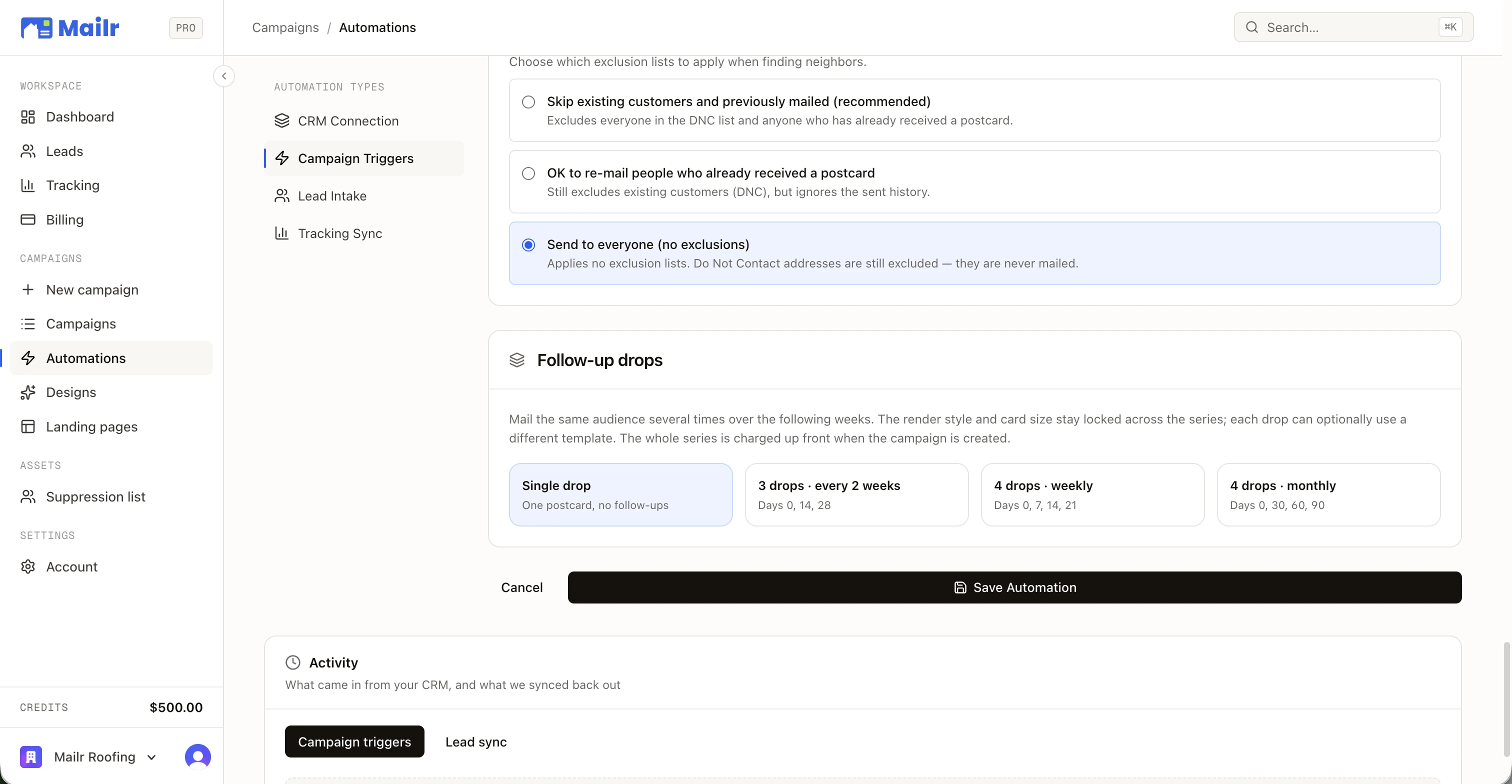
Choose who you mail.
Four modes to ensure you can target exactly who you want.
Skips recently mailed homes and recent customers; both age back in after your cooldown windows. Do-not-mail addresses are always skipped.
Excludes every customer on your list, no matter how old, plus anyone who already received a postcard within your mail cooldown.
Still excludes all existing customers, but ignores the sent history.
No customer or mail-history exclusions. Do-not-mail addresses are still excluded; they are never mailed.
OR DON’T DRAW AT ALL
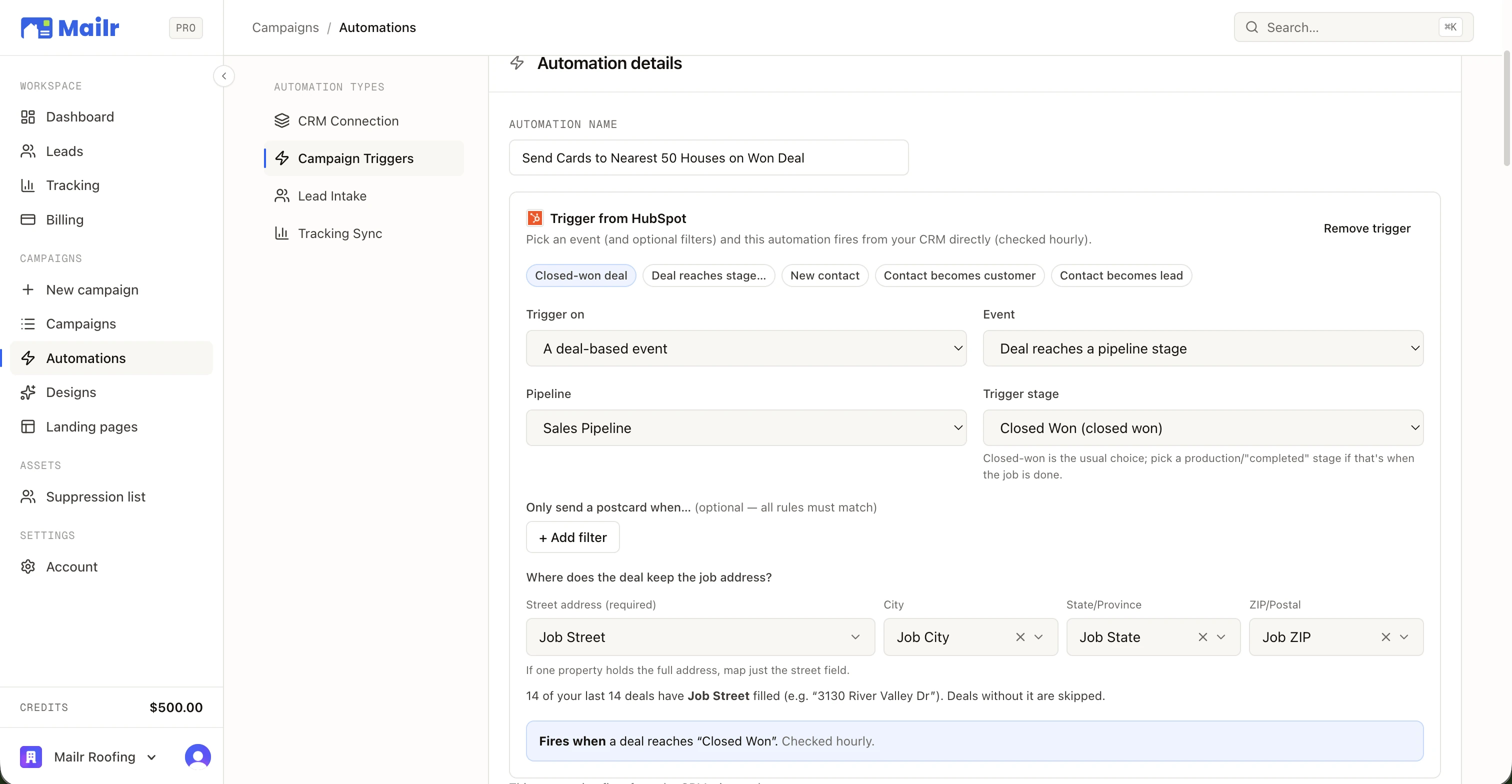
Let a finished job draw the circle for you.
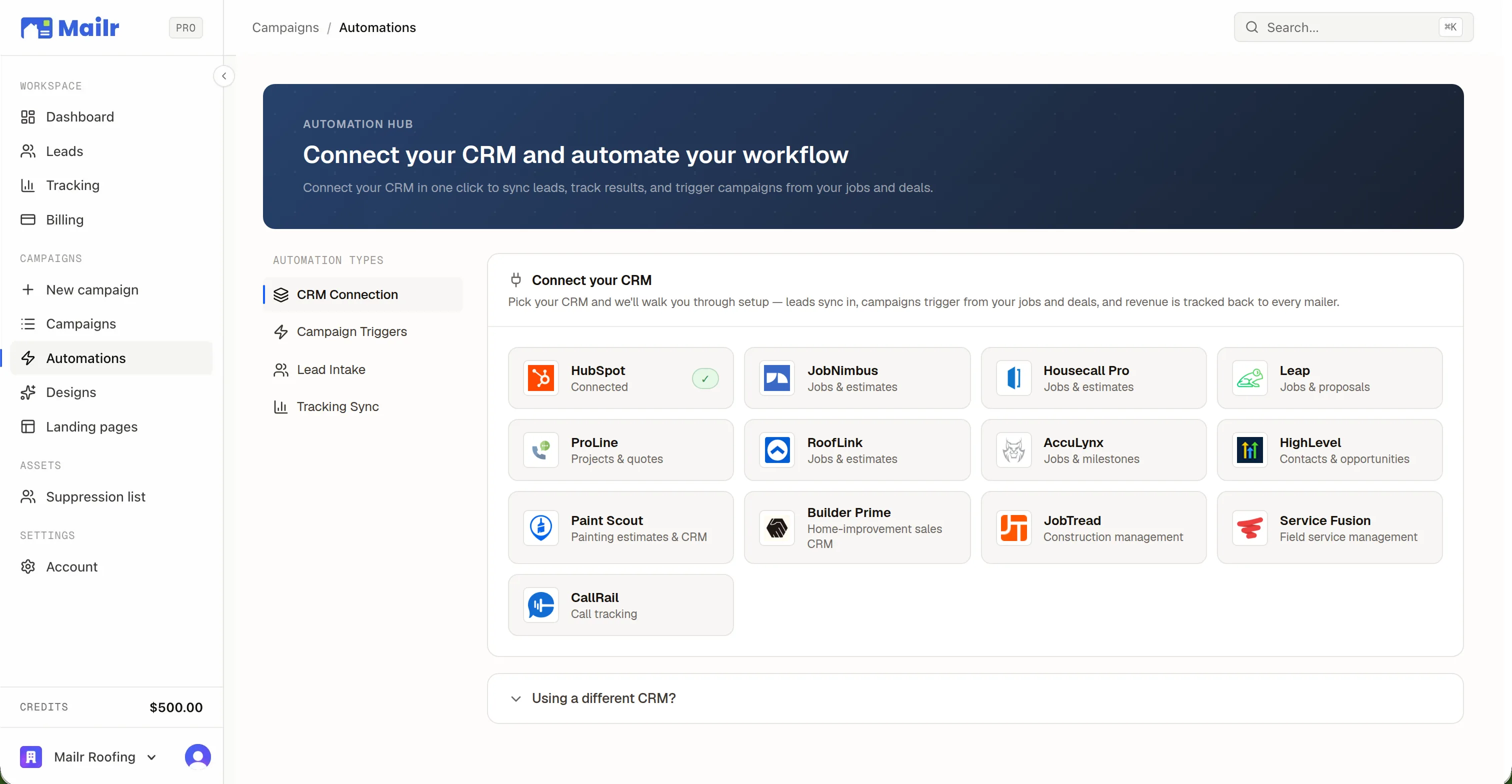
Point the radius at a job address instead of a map pin. Fired by a CRM event as the crew packs up, or run across every job in your history at once.
QUESTIONS
The questions everybody asks.
- How is the neighborhood targeted?
- By the home, not the person. Draw a shape or drop a radius, and Mailr mails every home inside it that passes your filters. Property and assessment records power the count; no names or personal data are stored, and cards are addressed to Current Resident.
- Which filters can I use?
- Estimated value, year built, building area, lot size, dwelling type, and owner-occupied. The panel only shows a filter where the drawn area has that data, and dwelling-type options come from the homes in the shape.
- How big can a campaign be?
- Up to 100,000 recipients. A single shape that's too large to estimate in one draw is refused with a prompt to split it, so the count you see is always real.
- What does it cost before I commit?
- The builder shows a live estimate at your current volume rate as you draw, per card and in total, and the exact figure is confirmed on the Review step before anything is charged.
- Will I mail my own customers?
- Not by default. Standard mode skips recent customers and recently mailed homes, and the do-not-mail list is honoured in every mode. You can loosen that per campaign, down to send-to-everyone, but do-not-mail addresses are never mailed.
- When does it mail?
- Once approved, a campaign moves through In production, Ready to mail, Printing, and Mailed, and you can hold it for a future mail date. Delivery timing is the postal service's; allow about a week.

Their Home.
Your Work.
Connect your CRM, pick a neighborhood, and put a 1-of-1 card in every mailbox that matters. First campaign out the door in an afternoon.
No subscriptions · No minimum order size